100% offline Eye-distance reminders No account required

Welcome to EyesFirst.

See how you use your iPhone, set gentle daily limits on the apps you choose, and get on-device reminders when you hold the screen too close. Everything stays on your iPhone.

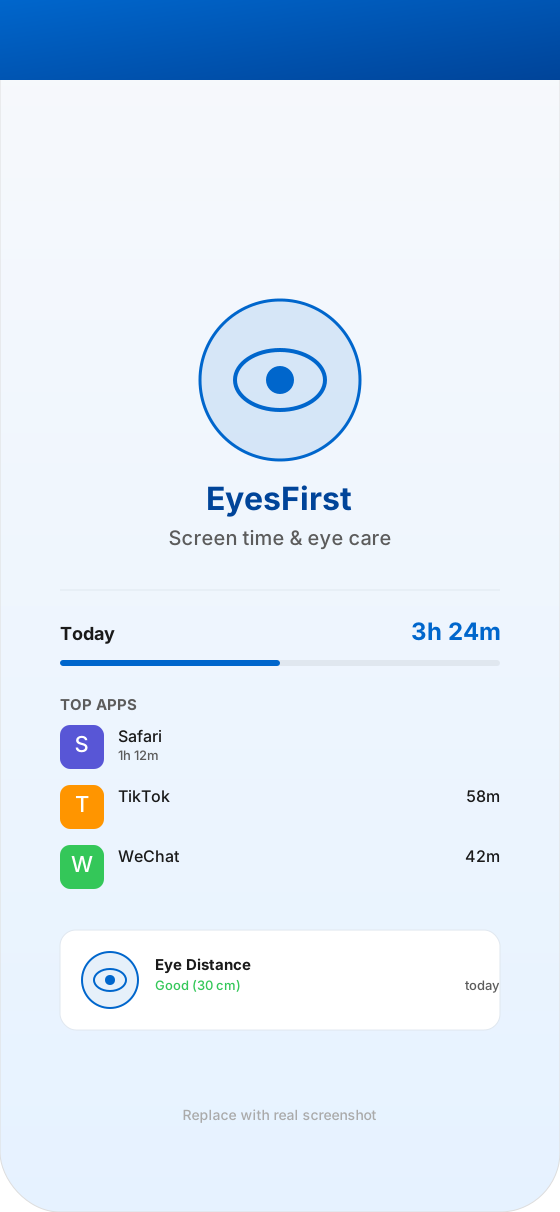
EyesFirst app screenshot

Why EyesFirst?

Most screen-time apps only show you numbers. EyesFirst adds an eye-health layer: it helps you not just manage your time, but also keep a healthy screen distance while you do.

🖼️

Screen-time dashboard

See at a glance how much time you spent on your iPhone today, and a per-app breakdown of your usage over the week.

🎬

Per-app daily limits

Pick the apps you want to manage, set a daily time budget, and EyesFirst shields them automatically when the limit is reached.

📄

Eye-distance companion

Uses the front camera on-device to detect when you hold the phone too close to your face and gently nudges you to keep a healthy distance.

📚

Weekly eye-health history

Review how many minutes each day were spent too close to the screen and track your progress over the past 90 days.

EyesFirst Pro

Smart reminders

Periodic, fully on-device "eye check" notifications that fit around your routine and never ping you when you don't want them to.

EyesFirst Pro
📊

Private by default

No accounts, no uploads, no ads. All your screen-time data and reminders live on your device and in your private App Group — never on our servers.
EyesFirst Pro

Unlock unlimited app limits, full eye-health history, and customizable reminder schedules.

Monthly

¥12

Auto-renews monthly. Try Pro risk-free.

EyesFirst Pro unlocks:
  • Unlimited apps for daily limits
  • Full 90-day eye-health history
  • Customizable reminder schedules
  • Smart quiet hours & focus modes
  • Export weekly usage reports
  • Priority support

Common questions

Is my data uploaded to your servers?

No. EyesFirst runs entirely on-device. Your screen-time and camera data never leave your iPhone.

How does the eye-distance reminder work?

Your front camera estimates the distance from your face to the screen in real time. When you hold the phone too close for too long, EyesFirst shows a gentle on-screen nudge. Frames are processed live and never stored.

What can EyesFirst do?

EyesFirst shows you how you use your iPhone, lets you set daily limits on the apps you choose, and reminds you to keep a healthy viewing distance — all on-device, with no account required.

View all FAQs →

Ready to take care of your eyes?

EyesFirst is on the App Store. Questions? We're here to help.

[email protected]